
Every drawing, spec, and submittal — answered by AI
Query across your entire project archive and get instant answers with pinpoint sheet numbers, page numbers, and spec section citations.
Book a DemoConnects to the tools your project already runs on
Integrated project data
Drawings, specs, submittals, and addenda bulletins—pulled from Procore, Autodesk, and your file shares into one secure, searchable project record.





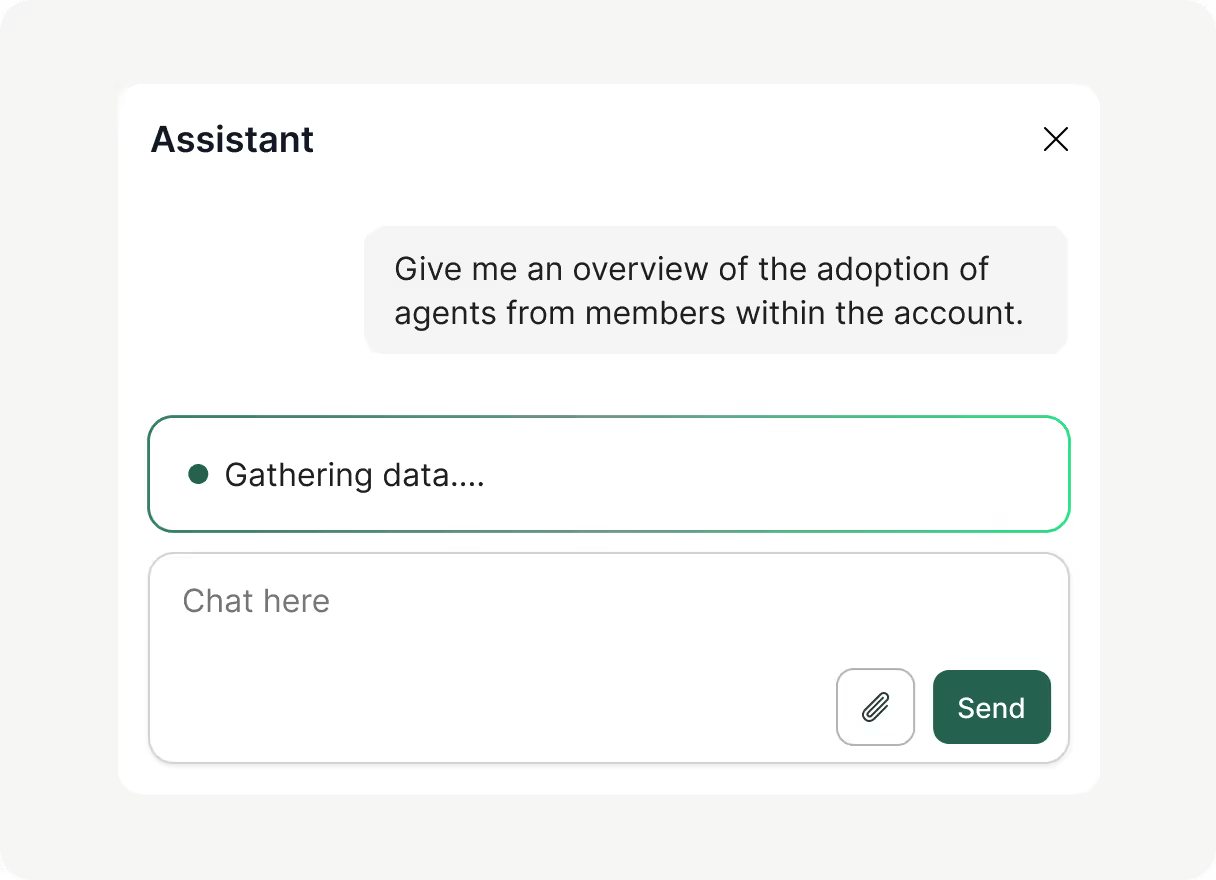
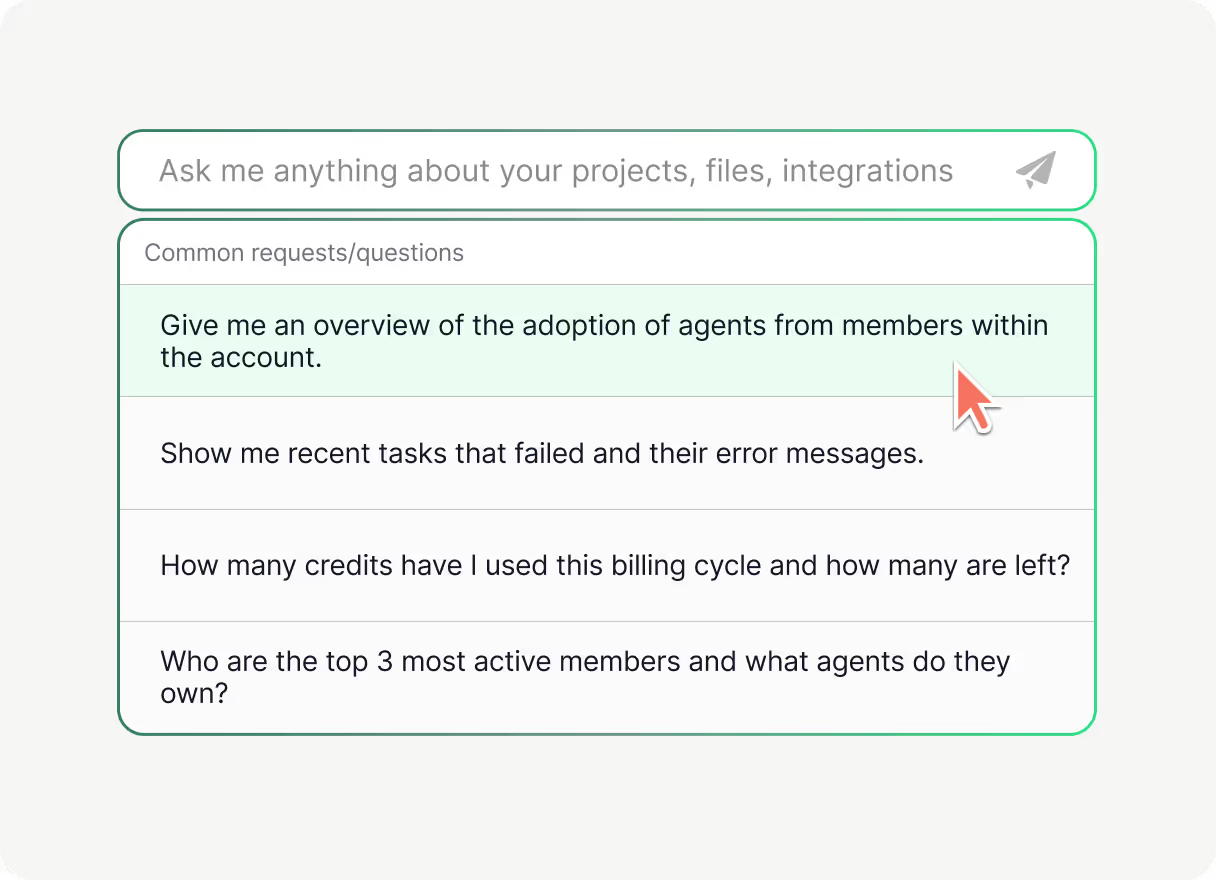
Your project knowledge, instantly
Ask project questions in plain English and get answers citing exact drawing sheets and spec paragraphs with visual highlights.
Addenda & conflict resolution
Cross-reference drawing sheets against contract specs to track scope changes and superseded notes across sequential addenda.
Proven commercial impact
Guido Construction used Boon across spec review and takeoff, saving 652 hours in one year with a 93% error-free baseline.
FAQ
Questions estimators ask
Everything you need to know about AI document Q&A, citations, and addenda tracking.
Is there an AI that can answer questions about construction documents and specs?
Yes. Boon Vault indexes your full construction document set—including plan sheets, specification books, submittals, and addenda bulletins—allowing estimators to ask natural language questions and receive direct, sourced answers.
Can AI answer questions about my project drawings, specs, and addenda together?
Yes. Boon cross-references drawing notes against specification sections and addenda revisions, confirming whether a requirement on sheet E-201 matches Division 26 specifications or was updated by a subsequent addendum.
Can AI search across all project documents and cite the exact drawing sheet or spec paragraph?
Yes. Every answer generated in Vault includes pinpoint citations linking directly to the source drawing sheet number, page number, or CSI spec paragraph with visual bounding-box highlights so you can verify the source in one click.
How do estimators verify contract requirements across multiple addenda without missing changes?
Upload all addenda bulletins alongside the original set. Boon indexes narrative bulletins and updated sheets chronologically, highlighting scope revisions, deleted clauses, and superseded drawing notes.
How does Vault integrate with standard estimating workflows?
Vault connects directly to your project files and formats cited answers, scope checklists, and RFI drafts onto your team's saved Excel and Word templates, supporting your team across pursuit triage, estimating, and pre-bid RFI submission.
Next Up

Vault
Every drawing, spec, and submittal in one secure place — ask across your whole project record and get sourced answers instantly.
Read more